
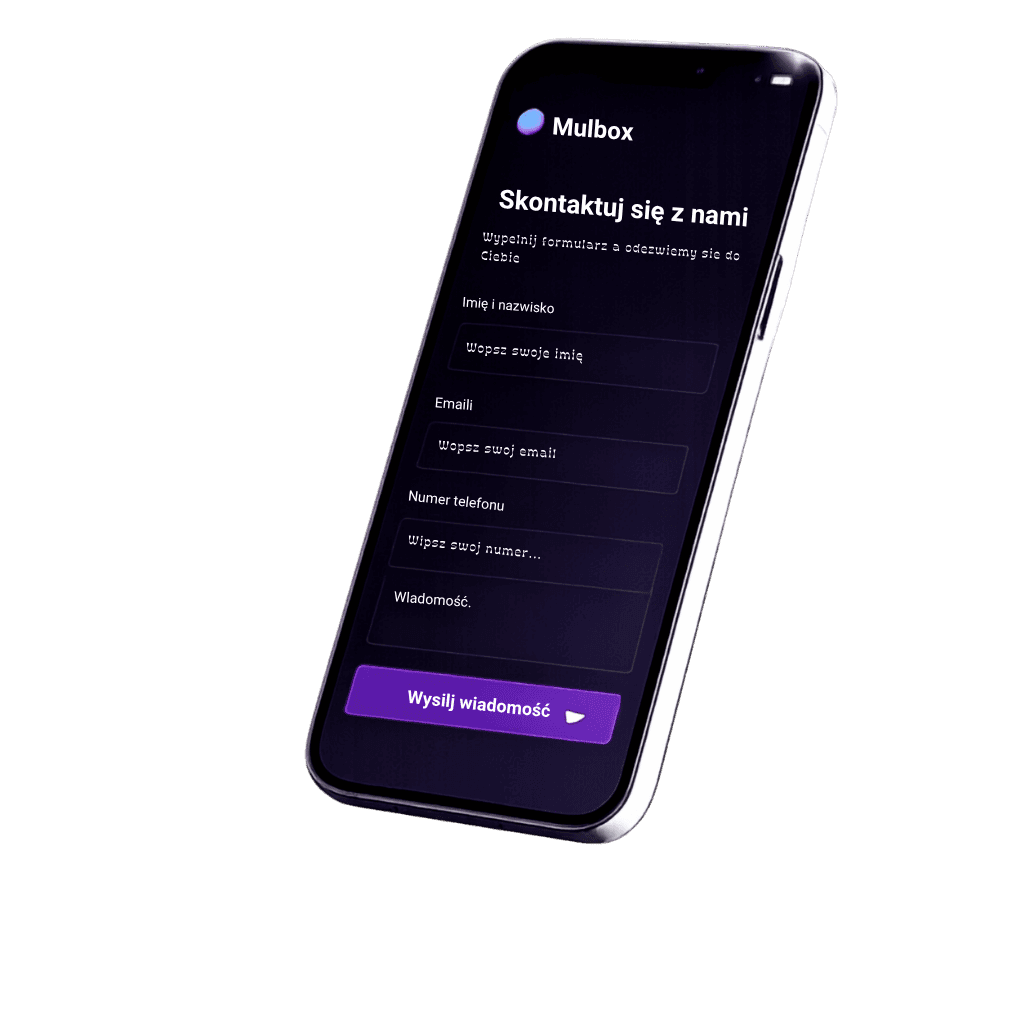
A form for every occasion
Contact forms, surveys, newsletter sign-ups, or order forms. Build exactly what your business needs right now, without limits.
Say goodbye to complicated systems.
Design beautiful forms, collect leads and manage contacts in one intuitive Mulbox dashboard.
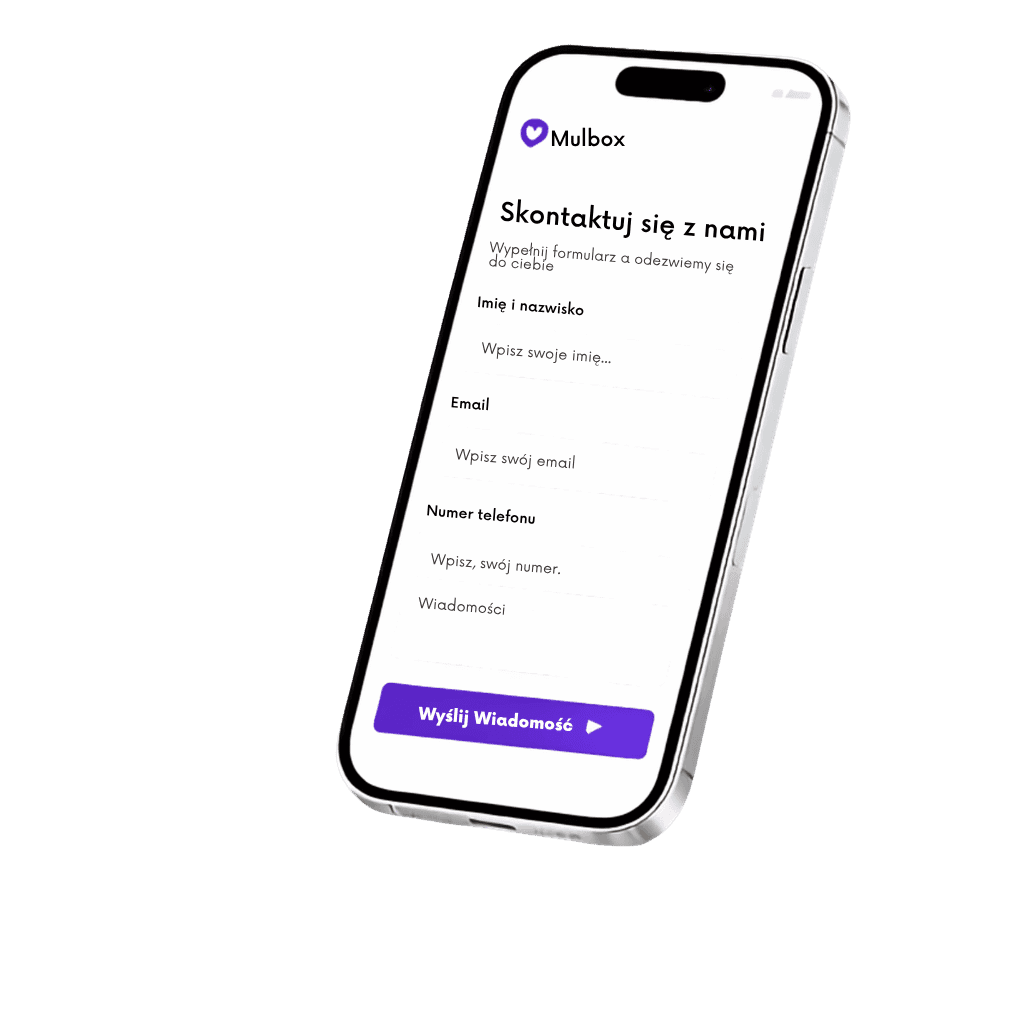
Customize
Colors, fonts, layout and content
Collect
messages and leads
Share
link, QR code or embed
Manage
your contact list
Say goodbye to complicated systems.
Design beautiful forms, collect leads and manage contacts in one intuitive Mulbox dashboard.
Customize
Colors, fonts, layout and content
Collect
messages and leads
Share
link, QR code or embed
Manage
your contact list
< 1s
Form load time on a smartphone
100%
Google PageSpeed Insights score
2 min
Full configuration and deployment to your site
Contact forms, surveys, newsletter sign-ups, or order forms. Build exactly what your business needs right now, without limits.
Match every element, color, background and font to your brand in seconds. Forget about ugly, generic fields that scare visitors away.
Copy one ready-made code into your website (WordPress, Next.js, Webflow) or send your customers an elegant direct link via social media.
Every reply lands instantly in your secure dashboard and your inbox. You can be sure that no inquiry slips through the cracks.
Browse, filter and export your lead database. End the chaos in your inbox – build an organised audience and earn more.
On the right is a real Mulbox form in conversation mode. Answer a few questions and see how it collects information for you.
Instead of empty fields, the client has a short conversation, and you get a ready summary by email (and PDF). Embed it with one snippet:
Paste this code on your website:
<iframe
  src="https://mulbox.ch/p/TWOJ-ID-FORMULARZA"
  width="100%" height="640"
  style="border:0;border-radius:16px"
  title="Mulbox"></iframe>
Question 1
Whether you have an advanced website, a simple blog, or a local business – Mulbox adapts to your style.
<form action="https://mulbox.ch/api/f/abc123" method="POST">
  <input name="name" placeholder="Name" />
  <input name="email" type="email" placeholder="Email" />
  <button type="submit">Send message</button>
</form>
Got a site on WordPress, Elementor, Webflow or Next.js? Paste this short code right into your site's structure. The form works instantly without installing heavy, buggy plugins that overload the database and block email delivery.
The ideal solution for the physical world. Download the auto-generated, unique QR code and place it on flyers, restaurant tables, billboards or your company car. Customers scan it with their phone and go straight to the contact form.
You don't need your own website or hosting to professionally collect orders. Mulbox creates a ready-made, clean landing page for every form. Copy the generated link and place it in your Instagram, TikTok or LinkedIn bio – or send it straight to the customer in a message.
Mulbox generates clean HTML code for the form, which you paste into the 'Custom HTML' block in WordPress or Elementor. You don't install any plugin – the form works instantly without burdening the database or PHP.
Mulbox gives you full control over the look (custom colors, fonts, branding), generates HTML code to embed directly on your site, creates QR codes and standalone landing pages. We don't advertise our brand on your form and don't require a Google account from your customers.
Yes. Mulbox sends notifications via Resend with the verified mulbox.ch domain (correct SPF, DKIM and DMARC records). Your address goes into the Reply-To header so you can reply to the customer with one click straight from your own inbox.
Mulbox has a free starter plan (no credit card), a Personal plan for 1 PLN/month and a Business plan for 9.90 PLN/month. Business unlocks the autoresponder, custom reCAPTCHA, CSV export and custom redirect after submit.
After creating a form in the Mulbox panel you automatically get a QR code that you can download and place on flyers, restaurant tables, billboards or in your car. The customer scans the code with their phone and goes straight to the form.
Yes. Mulbox has a visual drag-and-drop builder. You arrange blocks (Name, Email, Phone, Message, files, checkboxes), change colors and design, and copy the generated HTML code with one click.
Yes. Data is stored in the European Union (Supabase EU), forms support reCAPTCHA v3, and the user has full control over consent display and the privacy policy. We sign a data processing agreement.
Create a free account in 2 minutes and start collecting messages today.